
Quick Answer: Common website maintenance problems include outdated software, broken links, slow loading speed, security vulnerabilities, failed backups, outdated content, mobile usability issues, and malfunctioning forms or features. If these problems are ignored, they can affect website performance, security, user experience, and business enquiries.
Regular monitoring and a structured website maintenance process can help businesses identify these issues early and keep their websites reliable.
Introduction
A business website plays an important role in creating an online presence, attracting visitors, generating enquiries, and supporting business growth. However, simply launching a website is not enough. Websites require ongoing attention because technology, content, security requirements, and user expectations continue to change.
When regular maintenance is ignored, small technical problems can gradually become serious issues. A broken contact form can cause missed enquiries, an expired SSL certificate can reduce visitor trust, and outdated software can create security risks.
This is why businesses should understand the Common Website Maintenance Problems that can affect their websites and take steps to prevent them.
A structured website maintenance checklist can make this process easier by ensuring important technical and content-related tasks are reviewed regularly.
1. Outdated CMS, Plugins, and Themes
One of the most common website maintenance problems is outdated software.
Websites built using content management systems such as WordPress often depend on core software, themes, and plugins. Developers regularly release updates to introduce improvements, fix bugs, and address security vulnerabilities.
When updates are ignored for long periods, the website may become more vulnerable or develop compatibility problems.
However, updates should be handled carefully. Businesses should maintain reliable backups and check compatibility before applying significant updates, especially when a website uses custom functionality.
2. Broken Links and Missing Pages
Websites often accumulate broken links as pages are removed, URLs are changed, or external websites become unavailable.
A visitor clicking an important service link and receiving a missing-page error can create a poor impression of the business.
Broken links can appear in navigation menus, blog posts, service pages, product pages, images, and other website elements.
Regular link checks should therefore be included in Website Maintenance Services to identify and fix broken or outdated URLs.
3. Slow Website Loading Speed
Website speed is another issue that businesses should monitor regularly.
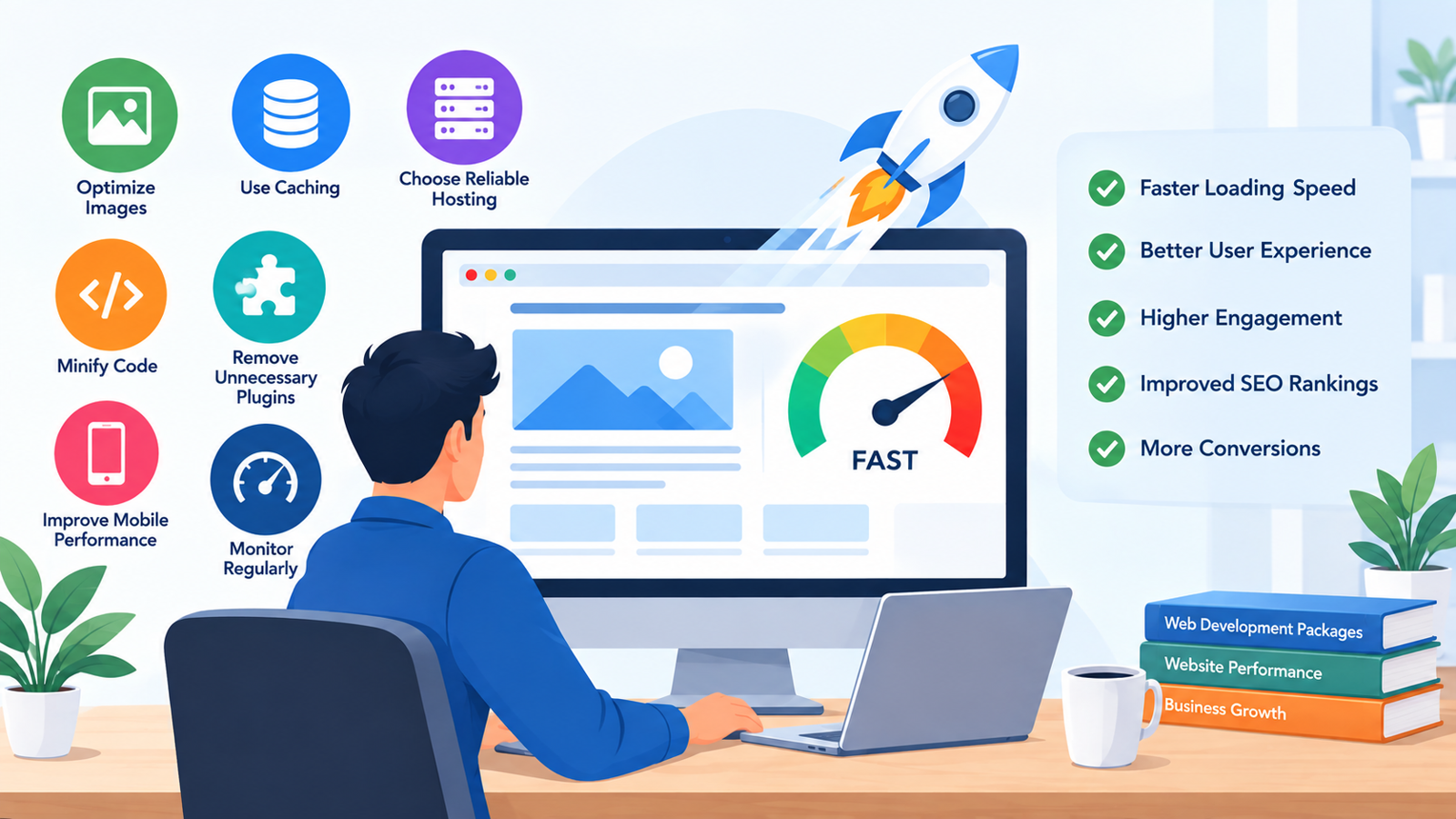
A website can become slower over time because of large images, unnecessary plugins, excessive scripts, database growth, poor hosting performance, or unoptimized code.
Slow pages can make it difficult for visitors to find information and complete important actions such as submitting a form or making a purchase.
Regular performance monitoring can help identify whether the problem is related to the website itself, hosting, images, scripts, or another technical component.
4. Security Vulnerabilities
Website security should never be treated as a one-time task.
Outdated software, weak passwords, vulnerable plugins, incorrect permissions, and poor security configurations can increase the risk of unauthorized access or malicious activity.
Businesses should regularly review security settings, software updates, login protection, SSL status, and suspicious activity.
For websites handling customer information, transactions, or accounts, maintaining a stronger security process becomes even more important.
5. Incomplete or Failed Backups
Having a backup system does not automatically mean that a website is fully protected.
Businesses should know what is being backed up, how frequently backups are created, where they are stored, and whether those backups can actually be restored.
A backup that has failed or contains incomplete data may not be useful during an emergency.
Regular backup verification should therefore be part of a proper website maintenance process.
6. Outdated Website Content
Technical maintenance is important, but content maintenance is equally valuable.
Visitors may lose trust when a website contains outdated information, old announcements, incorrect contact details, expired offers, or services that the business no longer provides.
Businesses should regularly review important pages and make sure that information remains accurate.
Content reviews should include service pages, About Us information, contact details, product information, pricing where applicable, blog content, and important calls-to-action.
7. Website Forms Stop Working
A website's contact or enquiry form may appear normal while failing to deliver submitted information.
This can be especially damaging for businesses that depend on websites for leads.
Forms should be tested regularly to confirm that submissions are being received correctly. Businesses should also check confirmation messages, email notifications, required fields, and integrations connected to the form.
For eCommerce websites, checkout, payment, account, and transactional functions require additional testing.
8. Poor Mobile Experience
A website that works correctly on a desktop may still have problems on smartphones and tablets.
Common mobile issues include buttons that are difficult to tap, menus that do not work properly, text that is too small, images that overflow the screen, and forms that are difficult to complete.
Mobile usability should therefore be included in regular website maintenance.
Businesses should periodically review important pages across different screen sizes and ensure that visitors can easily navigate and interact with the website.
9. Domain, Hosting, and SSL Issues
Some website problems are caused by services surrounding the website rather than the website code itself.
Domain expiration, hosting problems, server limitations, and SSL certificate issues can make a website unavailable or create security warnings.
Businesses should monitor domain renewal dates, hosting resources, SSL status, and other important account-related information.
Keeping these details in a maintenance schedule can help prevent avoidable downtime.
10. Ignoring Technical SEO Problems
Technical website issues can also affect search visibility.
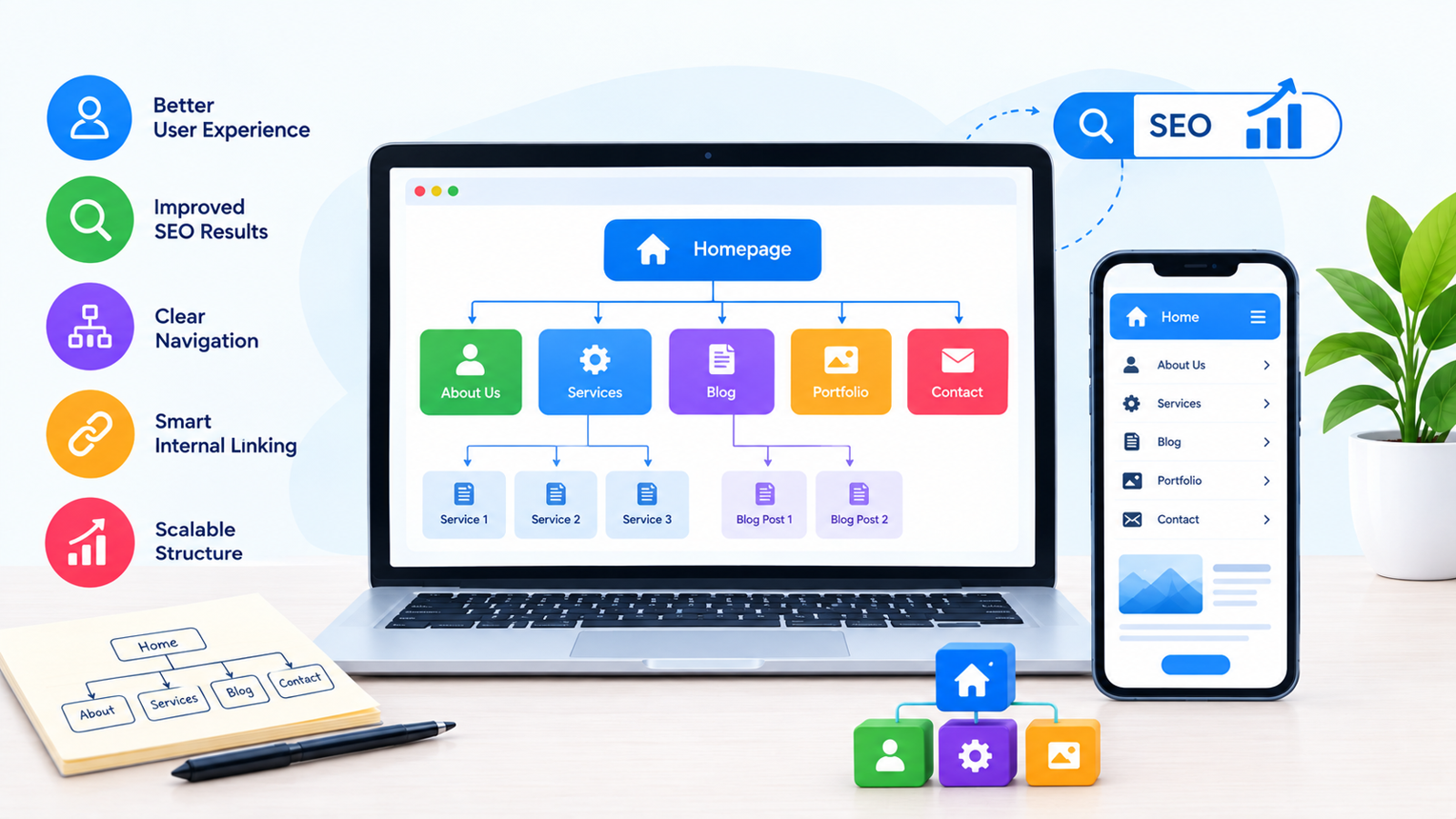
Problems such as broken pages, incorrect redirects, indexing issues, duplicate URLs, missing metadata, poor site structure, and slow performance can create challenges for search engines and users.
Website maintenance does not replace a complete SEO strategy, but regular technical checks can help keep the website in a healthier condition.
Businesses should periodically review important pages and address technical problems before they become larger issues.
Why Do Website Maintenance Problems Keep Appearing?
One reason is that websites are constantly changing.
Businesses add new pages, install software, publish content, change designs, update products, integrate third-party tools, and modify functionality. Each change can introduce new maintenance requirements.
Another common reason is that maintenance is treated as something that should only happen after a problem occurs.
A better approach is preventive maintenance. Regular checks allow businesses to identify potential issues before they affect visitors or business operations.
How a Website Maintenance Checklist Helps
A website maintenance checklist creates a repeatable process for reviewing important areas of a website.
Instead of relying on memory, businesses can organize tasks into daily, weekly, monthly, and quarterly activities.
For example, a checklist can include:
Security monitoring
Website backups
Software updates
Broken-link checks
Speed monitoring
Content reviews
Form testing
Mobile usability checks
Domain and hosting monitoring
Technical SEO checks
Analytics reviews
The exact schedule should depend on the website's size, complexity, traffic, and business requirements.
How Professional Website Maintenance Services Can Prevent These Problems
Managing every maintenance task internally can be difficult for businesses that do not have dedicated technical staff.
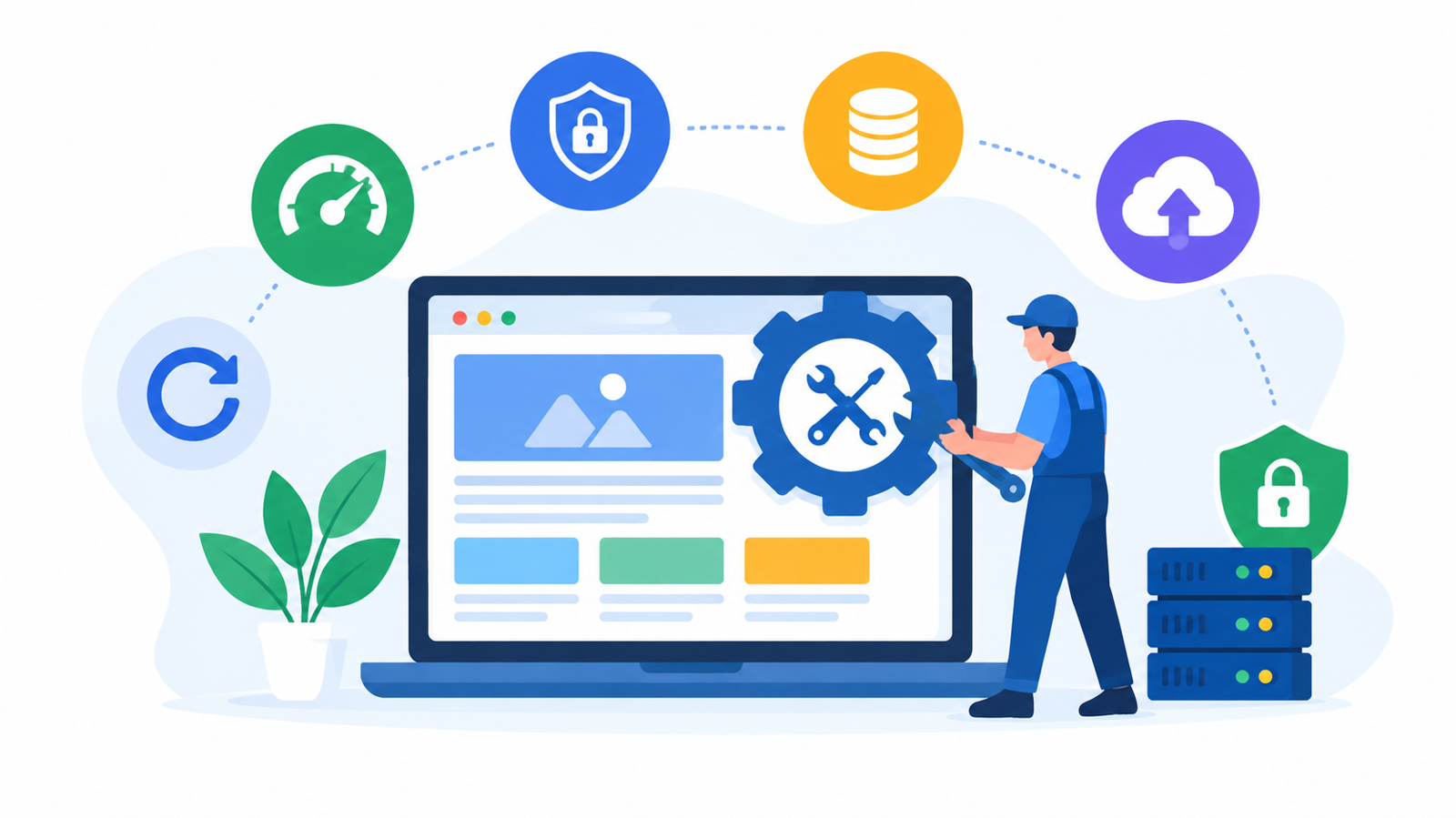
Professional Website Maintenance Services can help businesses monitor and manage routine website requirements, including updates, backups, security checks, performance monitoring, troubleshooting, content changes, and technical support.
The right maintenance approach can also reduce the chance that small problems remain unnoticed for long periods.
Businesses comparing Website Maintenance Packages India should therefore look beyond the package price and check which maintenance activities, support services, security measures, backups, and technical tasks are actually included.
When Should a Business Consider Website Maintenance?
Website maintenance should not begin only after a website breaks.
A better approach is to establish a maintenance schedule from the beginning. Small business websites may require routine weekly and monthly checks, while eCommerce websites and high-traffic platforms may need more frequent monitoring.
Regular maintenance can also help businesses identify when a website has moved beyond routine maintenance and may require larger improvements.
This is important because maintenance and redesign serve different purposes. Routine maintenance keeps an existing website functional and healthy, while a redesign may be necessary when the underlying design, structure, usability, or functionality no longer meets business requirements.
Conclusion
Website maintenance problems can range from small issues such as broken links and outdated content to more serious concerns involving security, backups, performance, and website functionality. Although individual problems may appear minor, several unresolved issues can eventually affect the overall reliability of a business website.
The best way to prevent these problems is to take a proactive approach. Regular software updates, security checks, backups, performance monitoring, content reviews, mobile testing, and technical checks can help businesses maintain a healthier website.
A structured website maintenance checklist also makes it easier to organize these activities and ensure that important tasks are not forgotten.
For businesses without the time or technical expertise to handle these activities themselves, professional Website Maintenance Services can provide ongoing support and help keep the website secure, functional, and updated.
Is your business website facing maintenance issues? Contact Us today to discuss your website maintenance requirements and get in touch with our team.
For businesses looking for professional SEO and digital marketing support, RankON Technologies is an experienced agency offering services such as SEO, Google Ads, social media marketing, website development, and content marketing. You can also explore its TopDevelopers profile to learn more about the company's services and experience.
Frequently Asked Questions
What are the most common website maintenance problems?
Some common problems include outdated software, broken links, slow loading speed, security vulnerabilities, failed backups, outdated content, broken forms, mobile usability issues, and domain or SSL problems.
How can businesses prevent website maintenance problems?
Businesses can prevent many problems through regular backups, software updates, security monitoring, performance checks, content reviews, broken-link testing, and routine website inspections.
How often should a business website be maintained?
The frequency depends on the website. Important functions may need frequent monitoring, while general technical, content, security, and performance checks can be performed weekly, monthly, or quarterly.
Can broken links affect a business website?
Yes. Broken links can create a poor user experience and make it harder for visitors to access important information. They should be identified and fixed regularly.
Why are website backups important?
Backups provide a way to restore website data if files are lost, corrupted, accidentally deleted, or affected by a technical or security incident.
Does website maintenance help with SEO?
Regular maintenance can help address technical issues such as broken links, slow performance, indexing problems, and incorrect redirects that may affect search visibility and user experience.
When should a business hire professional Website Maintenance Services?
Professional maintenance can be useful when a business lacks the technical expertise or time to regularly manage security, backups, updates, performance, troubleshooting, and other website maintenance requirements.







Write a comment ...